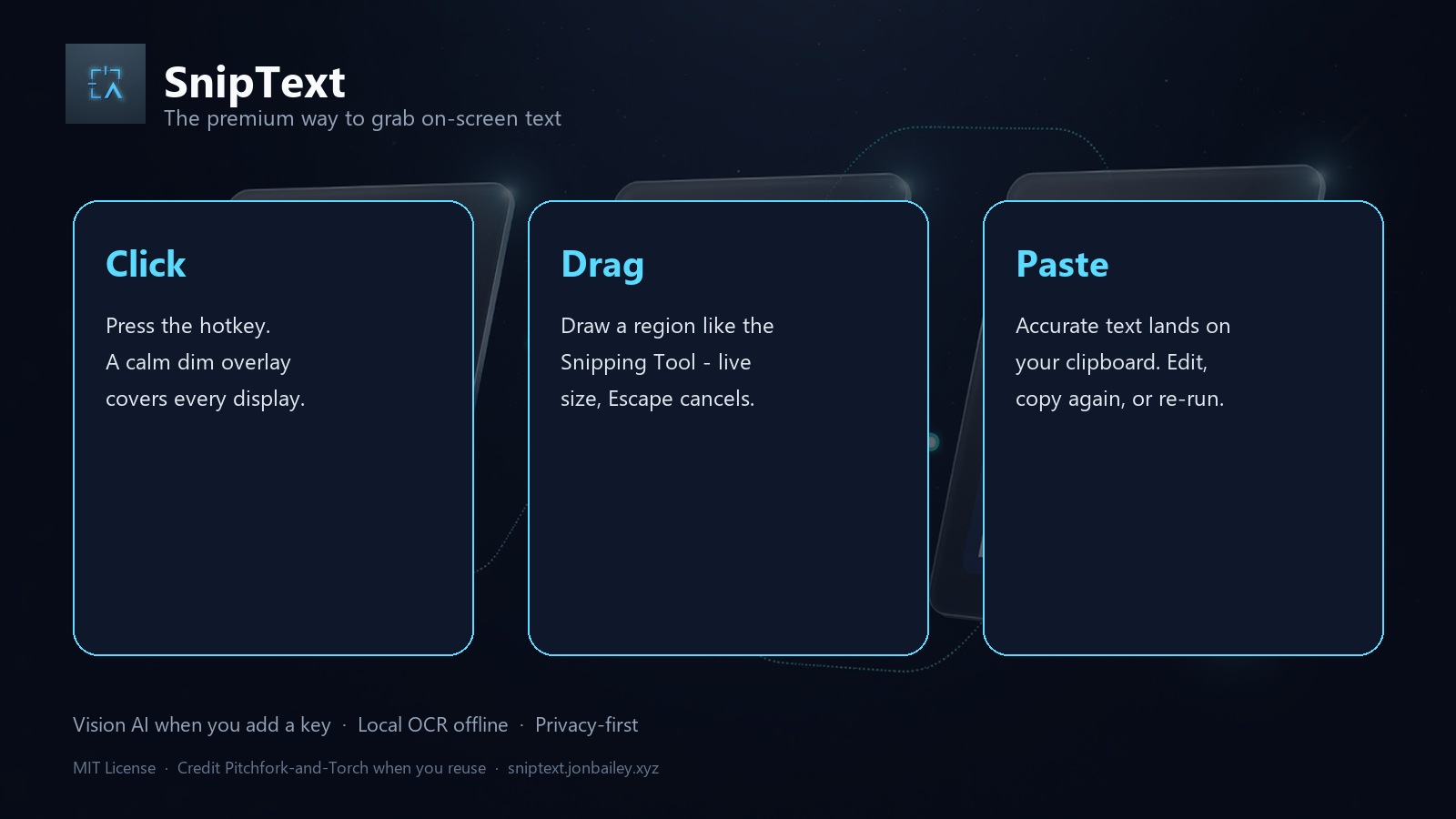
Click
Press Ctrl+Shift+T (fully customizable). A calm dim overlay covers every monitor.
 SnipText
Desktop utility · Pitchfork-and-Torch
The snipping tool that gives you text, not another PNG. Select any region - code, UI, tables, docs - and paste accurate transcription wherever you need it.
Free · MIT License · Credit required if you reuse the code · No account to snip locally
Three gestures. Zero friction. Built like a permanent upgrade to daily workflow.
Press Ctrl+Shift+T (fully customizable). A calm dim overlay covers every monitor.
Draw a rectangle like Snipping Tool - live dimensions, Escape cancels, release commits at native resolution.
Accurate text is already on your clipboard. Optional preview to edit, re-copy, or re-process locally.
Maximum accuracy when you want it. Offline when you need it. Privacy by default.
Connect your own xAI, OpenAI, Anthropic, or Google key. Grok vision by default for structure-aware transcription - code, tables, UI chrome, math.
RapidOCR (and optional Paddle / Easy / Tesseract) when offline or when you choose local-only mode. Lazy-loaded. No cloud required.
Images stay in memory. Keys live in your OS keyring - never inside the EXE. Local mode never leaves the device.
Correct high-DPI capture across displays. System tray resident with history, settings, and delayed snip for stubborn menus.
Tray → Connect AI → open key page → paste → Test connection. Human labels, not cryptic env vars.
MIT License. Fork freely - keep the copyright notice and credit Pitchfork-and-Torch. See NOTICE in the repo.
Portable folder with SnipText.exe. Keep the folder together. Keys stay in %APPDATA%\SnipText - never in the binary.
Yes. The app is free and open source under MIT. Vision providers may bill for their own API usage if you add a key.
Source runs cross-platform with Python. The signed-ready portable EXE ships for Windows first. Packaging scripts for other OS are in the repo.
Keep LICENSE and NOTICE, and credit Pitchfork-and-Torch in your README or About UI. Suggested line is in NOTICE.